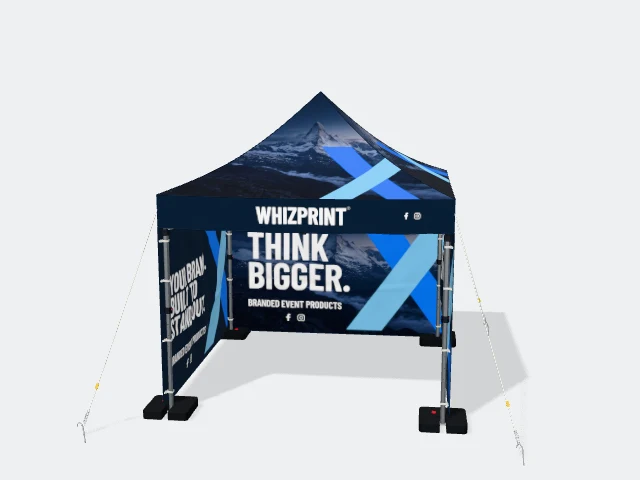
Artwork advice
What should you print on a gazebo canopy and valance?
Give your gazebo roof and valances a clear purpose. Plan logo placement, readable wording and artwork that suits each gazebo size before ordering.
Give the roof and the valance different jobs
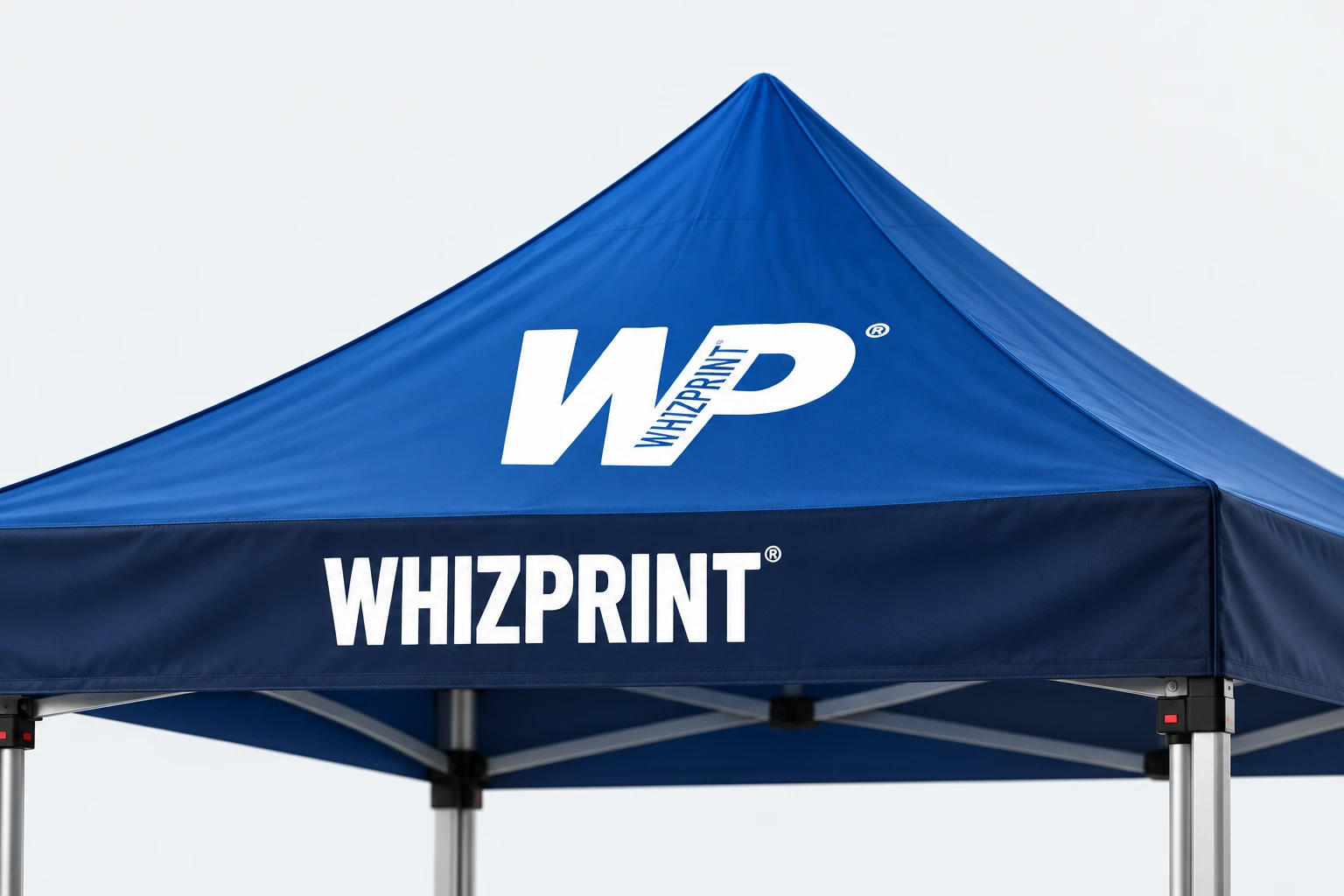
The canopy is the sloping roof. The valance is the strip of fabric hanging around its lower edge. A large, simple logo can help someone recognise your business on the canopy, while the valance can carry your name or a short description at the entrance. They do not need identical artwork. Start by deciding what a visitor needs to understand before approaching: who you are, what you offer and where to come in.
Use the canopy for recognition
A roof panel is broad near the bottom and narrows towards the ridge or peak. Place the main mark where the complete shape has room, rather than making it fill the panel from edge to edge. Avoid squeezing a detailed service list or several small partner logos into this space. The roof slopes away from the viewer, so a design that looks generous in a flat artwork view can be harder to read from ground level. Rotate the preview and check the approach you expect visitors to use.
Keep the valance readable as people approach
The valance is a shallow strip, so the height of your lettering is often the limiting factor. Use the business name or a short, useful description with clear contrast against the background. Leave room above and below the letters. If your logo already includes a small strapline, check whether that line contributes anything at the size it will be printed. A website address can be useful, but it should not force the main name into tiny lettering. Try assigning a different job to each visible side instead of putting every detail on every strip.
Think about what happens underneath
The canopy is only part of the view. A rear wall can carry a fuller message for people who have reached your stand. Check whether a table, samples or your team will hide that wording. Keep the entrance visually clear and avoid repeating the same headline on every surface without a reason. Consistent colours and typography can connect the roof, walls and tablecloth while allowing each one to do something different. Review the complete arrangement before judging any individual panel.
Rework the layout when the gazebo size changes
Whizprint Studio offers 3 × 3 m, 3 × 4.5 m and 3 × 6 m printed gazebos. A longer front panel gives you a different composition, not simply permission to stretch the same logo sideways. Keep the logo proportions intact and reconsider its width, spacing and supporting text for the chosen panel. Check both the long and short sides of a rectangular gazebo. If you are ordering more than one size, review the artwork on each configuration separately rather than assuming one approval covers all of them.
Check the artwork from the visitor’s view
Look at the whole gazebo at a modest preview size, then zoom in to inspect the edges of the logo and the smallest lettering. Check the front, rear and both sides for missing artwork, awkward overlaps and accidental cropping. Use the selected product’s artwork template and production guidance for bleed and safe areas; a visible gap in a 3D preview is not a production measurement. Check spelling and contact details against the original files before approving anything for print.
Try the layout in Studio
Choose your printed gazebo size and wall arrangement in Whizprint Studio, then place your branding on the roof and valances. Compare a simple version with any extra wording you are considering. If you need help, send an enquiry with your logo, chosen size, the message visitors should understand and the sides they will approach from. Those details give us a useful starting point for discussing your design.