Artwork advice
How to request a branded mockup that matches your idea
Give your designer the products, artwork and priorities needed for a useful branded gazebo or exhibition mockup.
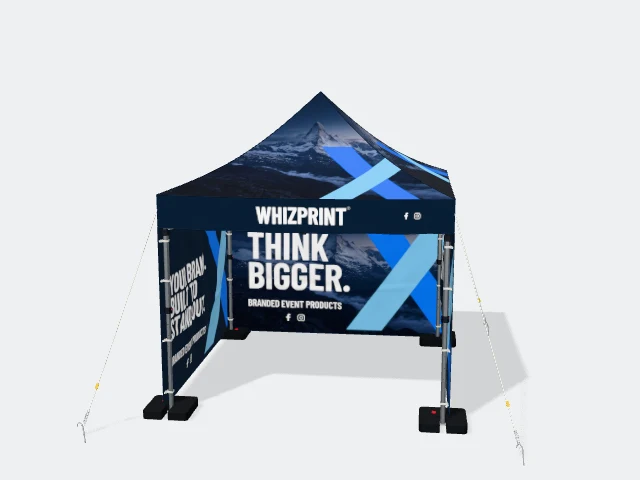
Illustrative preview; check the selected product configuration for included items.
Name the products and the configuration
A request for “a gazebo mockup” leaves several important choices open. Specify the size, which walls you want and any flags or tablecloths that should appear alongside it. For a lightbox stand, include the layout and extras. If you are undecided, say which parts need advice so the first discussion can focus on the configuration before detailed artwork begins.
Explain the message, not just the colours
Tell us what the business does, who will see the display and what you want them to notice first. Choose one main message and provide the exact supporting wording. A food stall, a sports club and a product demonstration may need quite different information even when their brand colours are similar. Avoid leaving essential text for the designer to guess.
Supply files and references with context
Send your best available logo files and any approved images. If you share a reference, explain what you like about it: a simple layout, the use of photography or the balance between colours. References help explain a preference; they are not a request to copy another company’s design. Mention any brand elements that must stay unchanged.
Make feedback specific
When reviewing a mockup, separate configuration changes from artwork changes. For example, “remove the left wall” is different from “use a lighter background on the left wall”. Point to the relevant panel and describe the outcome you want. Group feedback into one clear set where possible so the next revision reflects the whole decision rather than competing instructions.
Use Studio to show your starting point
You can create an initial design in Studio and use the setup contact option to discuss it with Whizprint. If you prefer help before building anything, send the product choices and brief on WhatsApp. A mockup is a visual planning step; confirm the selected products and approved production artwork before treating it as the final order.