Buying advice
Which oval pop-up banner size should I choose?
Compare three oval pop-up banner sizes, plan your display space and fit artwork around the curved outline before designing your banner in Whizprint Studio.
Choose the space before the artwork
An oval pop-up banner puts your message close to ground level. Before choosing a size, decide where it will sit and which direction people will approach from. A clear position beside a display can be more useful than a larger banner hidden behind a table. Measure the available width, keep visitor routes clear and check the organiser’s placement requirements. The dimensions below describe the banner width and height; they are not a complete installation footprint.
Compare the three available sizes
Whizprint Studio offers three oval banner sizes: small at 1.26 m wide × 0.62 m high, medium at 2.004 m × 1 m, and large at 2.7 m × 1.1 m. The large option adds considerably more width than height compared with the medium. That matters when your artwork is a long wordmark or a short horizontal message. Do not choose by the size name alone: mark out the actual width at your intended position and consider what will be visible behind and beside it.
Small: a compact supporting display
The 1.26 × 0.62 m option is worth considering where space is limited or the banner supports a larger branded setup. Keep the content focused: a logo and one short message are a useful starting point. Its low height means nearby stock, furniture or people can obscure it. Look at the proposed position from the visitor’s side, rather than only judging how neatly it fits your layout.
Medium and large: give the message room
The 2.004 × 1 m option provides a larger canvas when the small display feels cramped. The 2.7 × 1.1 m option offers extra horizontal space for a wide logo or a simpler, larger headline. Neither size guarantees readability at a particular distance. Letter size, contrast, artwork detail and obstructions all affect the result. Start with the message someone should notice first, then remove details that compete with it instead of filling every available area.
Design for the curved outline and both faces
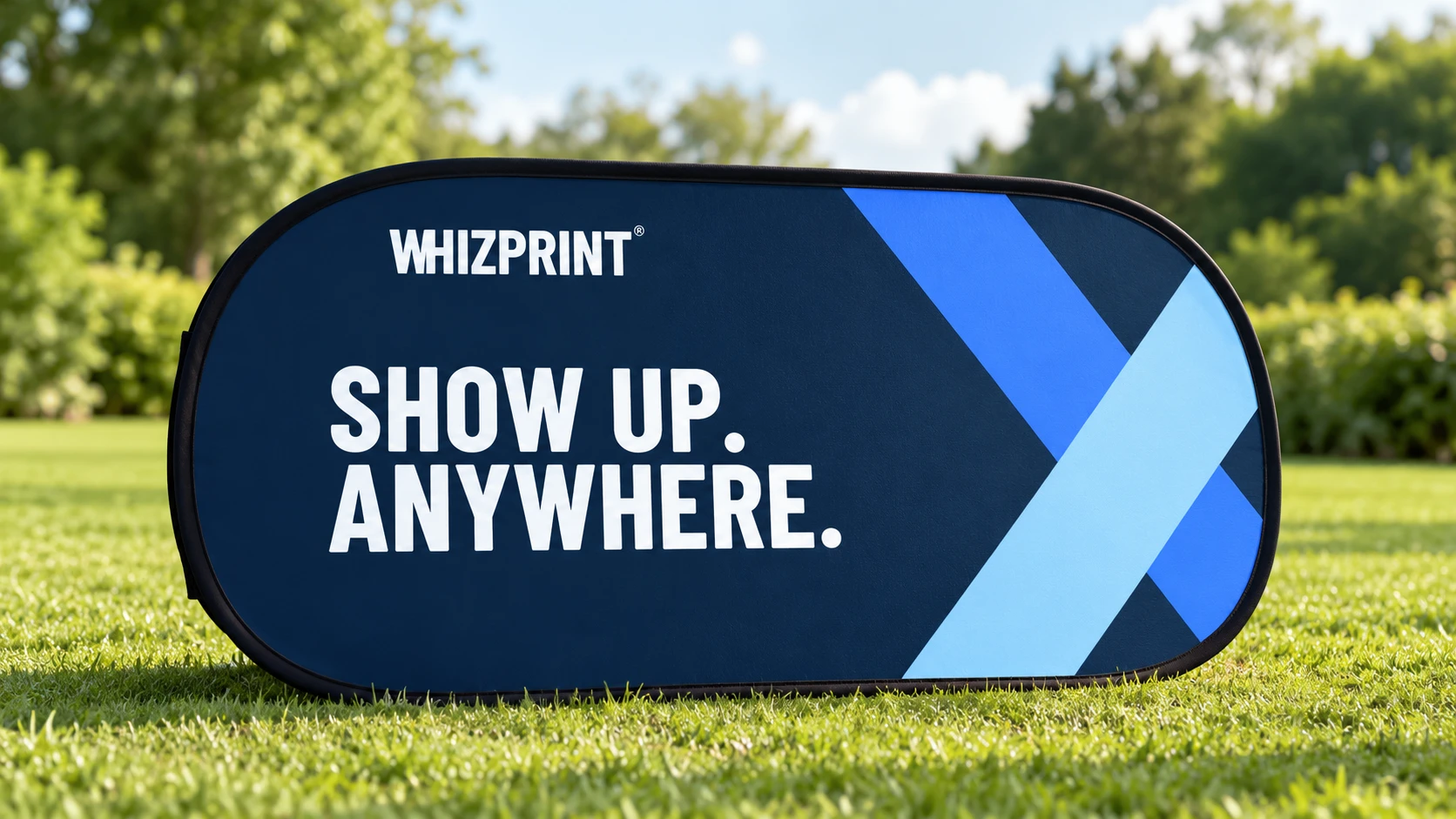
An oval display does not give you a rectangular print area right out to its corners. Keep important lettering away from the curved ends and inspect it against the actual outline in Studio. Both the front and reverse banner faces are available to design, so check each one rather than assuming a front preview covers the whole product. If you change size, review both faces again: these three sizes have different proportions, and artwork may need repositioning. The supplier adds production bleed; do not enlarge the artwork canvas yourself to create extra bleed.
Check the complete setup before ordering
Choose your size in Whizprint Studio, add your logo and message, and inspect the banner alongside the rest of your setup. Review the current price and selected options before ordering. For an outdoor position, confirm the supplied securing method and use instructions for the actual surface; a grass scene is a visual example, not an installation specification. If you need help choosing a size or fitting a logo around the outline, email info@whizprint.co.uk with your design and the space you have available.